Getting Started
Introduction to KAPorg User Roles
Meet the four KAPorg roles and how they work together on the platform.
Quick video guides to help you get started with KAPorg and learn how to use its features
Meet the four KAPorg roles and how they work together on the platform.
Add super admins, organizations, experts, and approvers, and give each the right access.
Create workspaces for each organization or unit and control who sees what.
Create a new assessment and plan the modules it will include.
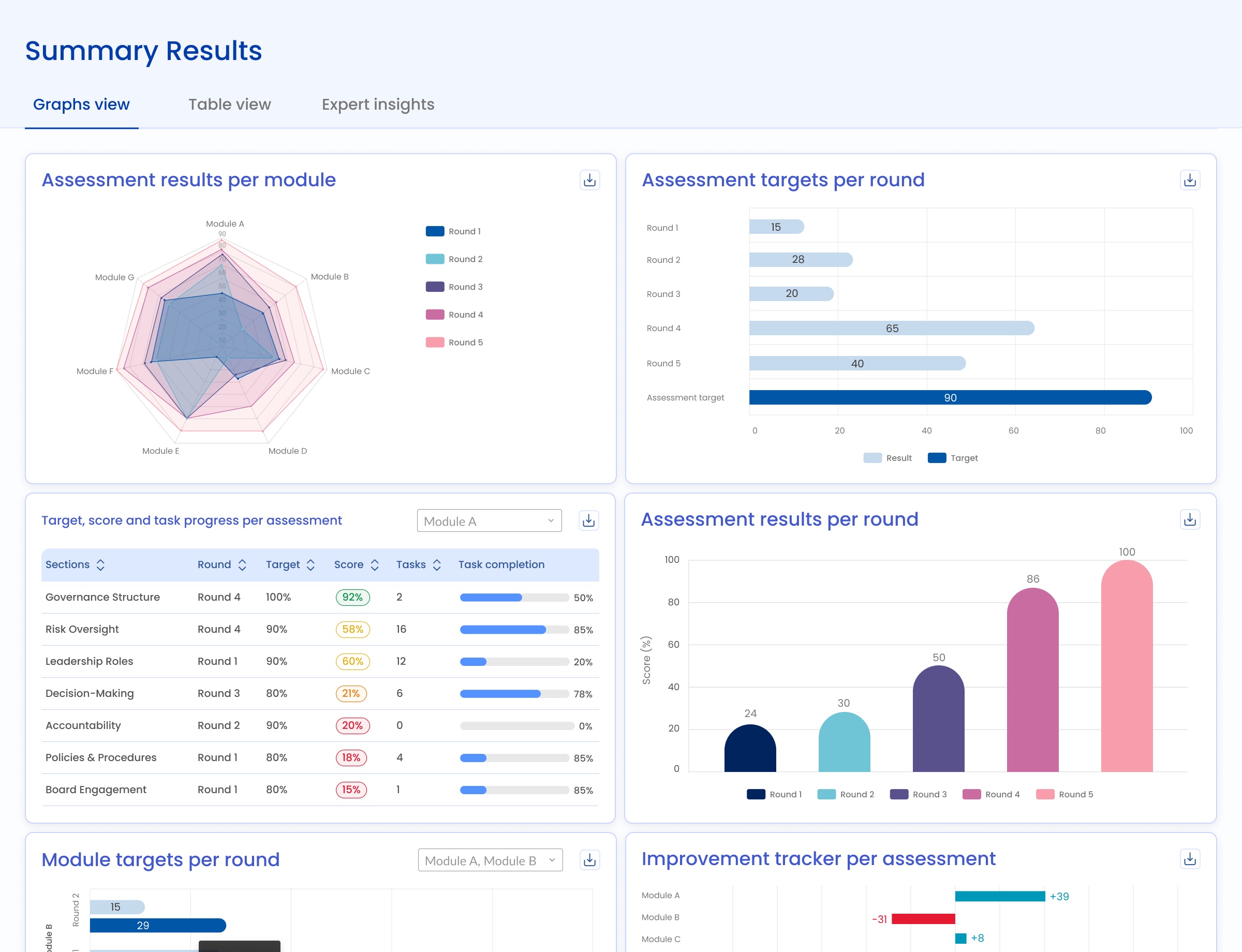
Set percentage targets for each section and track progress across rounds.
How organizations, managers, and staff complete an assessment from start to finish.
Share SWOT notes and qualitative findings with the organization.
Join the organizations using KAPorg to assess performance, upskill teams, and prove impact.